


SMS Alert Template
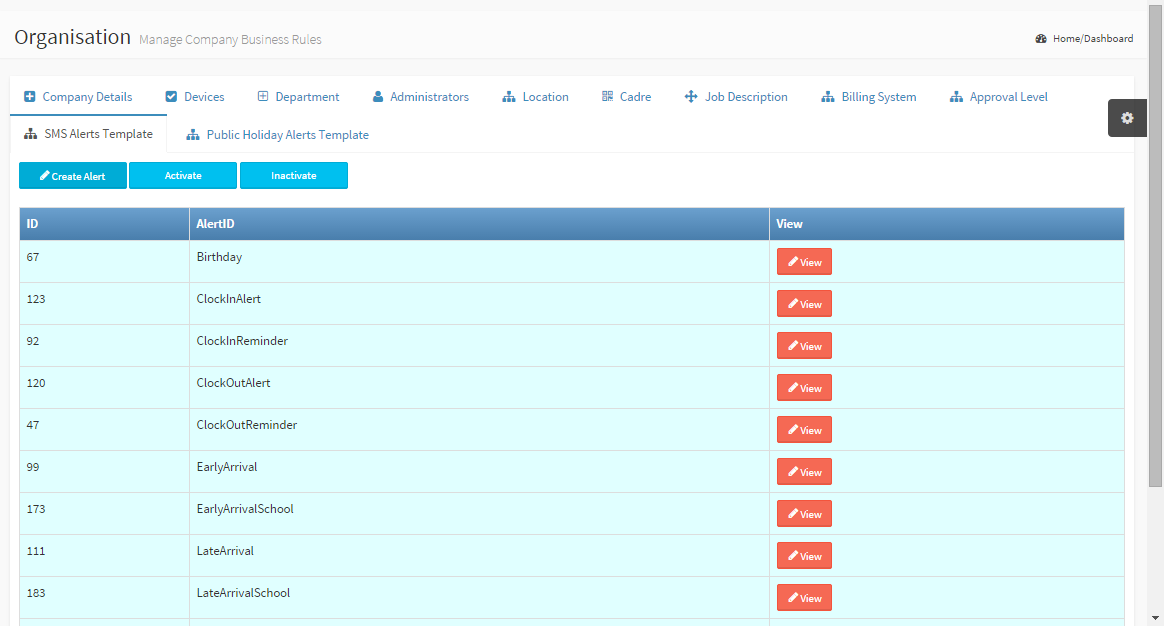
SMS Alert Template Tab is the place to configure the type of notifications/messages that would would sent for its corresponding uses. You can add your own message and as well use the predefined templates. Templates you dont want to be sent/used can temporarily be disabled by marking as INACTIVE. ID: Auto generated id Alert ID: Is a group name for all alert template of that type View: Click view to display the various templates for each group |
|
|
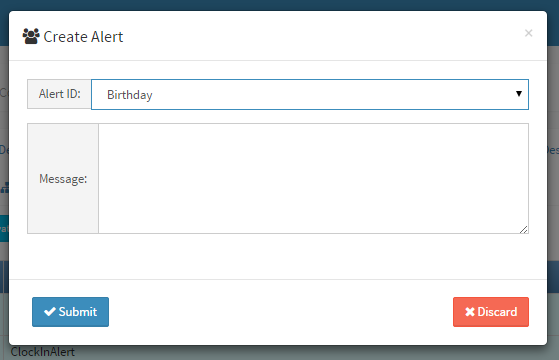
Create Alert Populate the following fields to complete the form Alert ID: Select a category of alert template Message: The content of the message to be sent to individuals. Click Submit button to complete the process |
View Alert
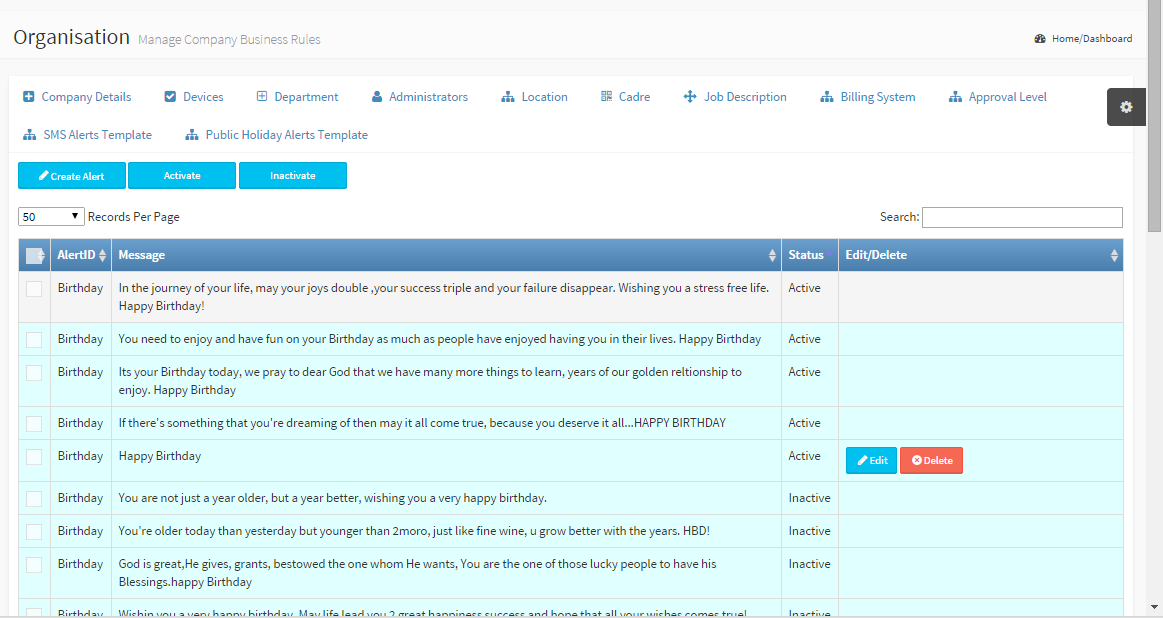
Alert Templates can be activated or deactivated by checking the box in front and clicking INACTIVATE or ACTIVATE button
You can only Edit or Delete User defined templates.
Note: Sending of SMS notifications is subject to Alert Notifications in Organisation > Company Details tab